
Multi-Topic Orchestration Mode
Hand a big task to a main bot and it will:
- split the task into a few sub-projects;
- open a child topic in the group for each sub-project and send a group of bots in to work in parallel (a common pairing: one writes code, one reviews);
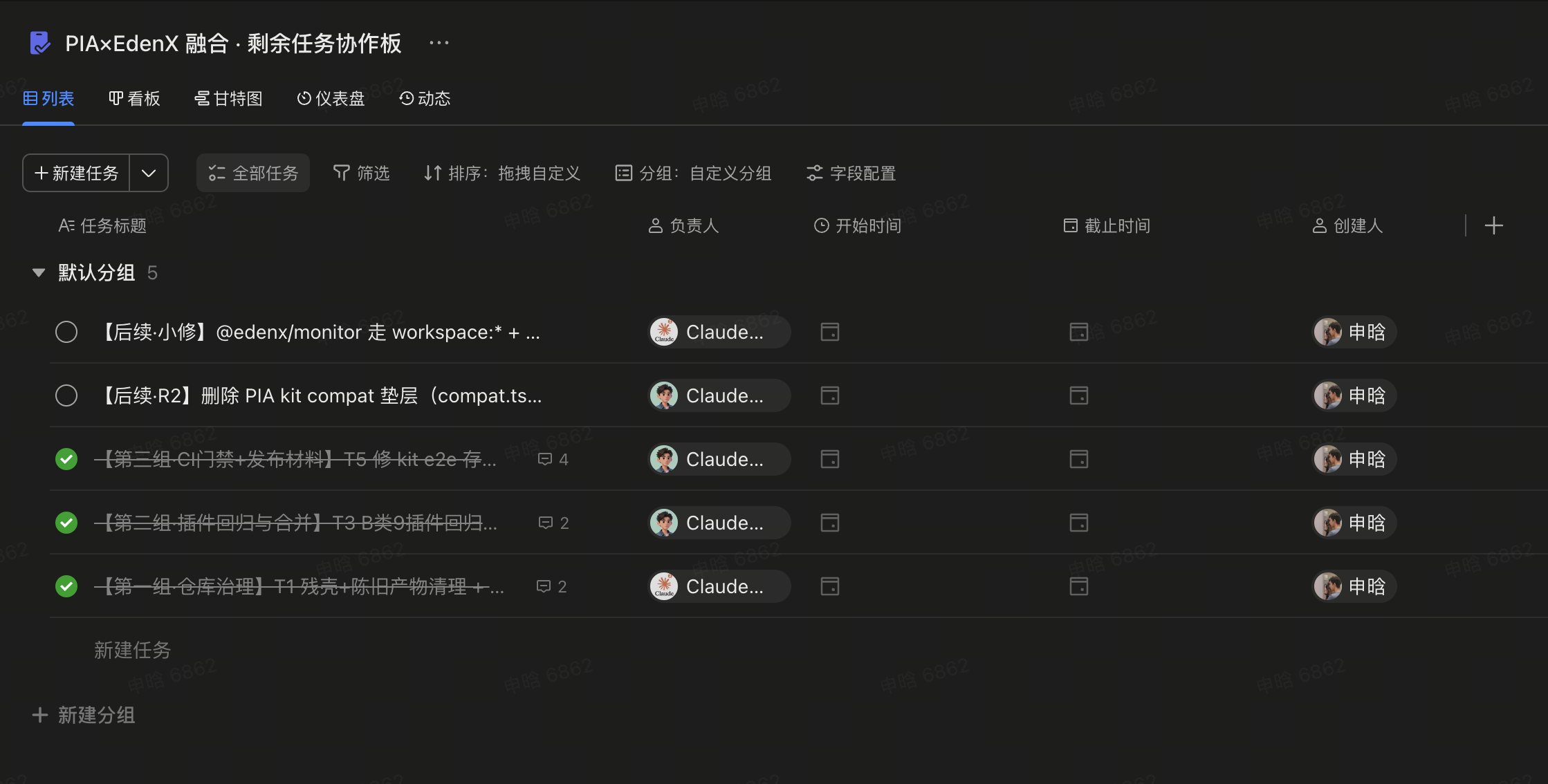
- use a Lark task checklist as the shared progress board;
- collect the results when every group is done and summarize them for you.
An ordinary group turns into a parallel workbench. It builds on multi-bot collaboration.
When to use it
How to use
Just tell the main bot, for example:
"Use multi-topic orchestration mode to split ×× into a few sub-projects and run them in parallel."
"You be the orchestrator and coordinate a few bots to push this requirement forward in parallel."
The main bot then goes through these steps:
You only do three things: state the requirement → confirm the assignment → watch progress / collect results. Opening topics, splitting work and reporting back all happen among the bots. Without your confirmation, the main bot neither creates the board nor dispatches any work.
Before you start
- Add the bots that should take part to this group and make sure they can be @-mentioned (see multi-bot collaboration). The main bot checks which collaborating bots are in the group before dispatching.
- Nothing else needs to be set up in advance: the main bot picks a working directory for each child bot when dispatching, so the child session starts right in that directory with no "pick a repo" card. If a child bot already has a default working directory, or has bound OnCall in this group itself, the main bot can skip setting one and the child bot uses its own directory.
While the work is running
Tip: a child bot's session lives only in its own child topic. When the main bot talks to a child bot, the message also goes into that child topic, never as an @ in the main group (an @ there would just start a new session with no context).
Task-tree card (optional, off by default)
When enabled, the main bot posts a task-tree card in its own topic on its first dispatch: one row per child topic, showing status, the latest progress line and an "打开话题" (open topic) link. As child topics are picked up, report, finish or fail, the card updates in place instead of posting new messages.
Card states (the card itself is shown in Chinese):
Review child topics carry a "[审查]" (review) tag. The card header can also show a requirement ID and link.
To enable: in the Dashboard, go to Global Settings → General → Multi-topic collaboration and turn on "Send a task-tree card when dispatching subtasks". "Enable multi-topic collaboration" must be on first.
- Takes effect in about 2 seconds, no restart.
- Sessions running in a sandbox fully follow the new setting from the next new session.
- When off, no card is posted and dispatch behaves exactly as if the feature didn't exist.
- In deployment environments you can set
BOTMUX_DISPATCH_TASK_TREE_CARD_ENABLED=true; the environment variable wins over the Dashboard setting.
Turning multi-topic orchestration off
Multi-topic orchestration is on by default. If you don't need it, turn off "Enable multi-topic collaboration" under Global Settings → General → Multi-topic collaboration in the Dashboard. It applies from the next session, no restart.
When it's off:
- bots no longer get the orchestration skill (
botmux-orchestrate), so they won't open child topics on their own; - creating a new sub-project topic is refused;
- appending to an existing topic still works, so ordinary bot handoffs are unaffected.
In deployment environments you can also set BOTMUX_MULTI_TOPIC_ENABLED=false; the environment variable wins over the Dashboard setting.
Advanced: command reference
These commands are mostly run by the bots themselves; you rarely type them. For reference or troubleshooting:
Run botmux dispatch --help for all options.
Advanced: whose identity a dispatch carries
If a bot has per-user authorization on (triggerUserAuth, meaning tools like lark-cli run with the personal authorization of whoever sent the current turn), a --bot-app dispatch from the main bot passes the current turn's initiator along to the child bot. Rules:
- The child bot still checks on its side: whether this person maps to a user of its own app, is in the group, and has authorized the tool.
- Only the current turn started by a real person can carry an identity. If that turn has already ended, a dispatch that needs the identity is refused (error code
dispatch_turn_unproven) rather than quietly sent without one. - The session Owner or an earlier sender never stands in for the current initiator, and ordinary bot messages never gain human permissions this way.
- To let a child bot create a scheduled task for someone, add
--delegate schedule:create, and the host policy must allow it; see scheduled tasks.
Related: multi-bot collaboration is its foundation; use roles and teams to give bots roles (who writes, who reviews).